Definition
ADHD email communication strategies
A set of evidence-based techniques that help adults with ADHD manage email correspondence by addressing executive function deficits, working memory limits, dopamine-driven motivation, and rejection sensitive dysphoria.
Key Takeaways
What you need to know
- 1Use email templates to bypass decision fatigue and working memory overload.
- 2Break large email tasks into small, timed segments to align with dopamine-driven motivation.
- 3Adopt clear subject lines and bullet points to improve readability for both you and your recipients.
- 4Implement a 'pause and protect' rule to minimize RSD-triggered impulsive replies.
 35s
35sADHD Email Hacks: Stop the Overwhelm
Struggling with email as a professional with ADHD? Learn evidence-based strategies to manage executive function, reduce overwhelm, and use templates. #ADHD #EmailTips #Productivity
The ADHD Email Dilemma: Why Traditional Inbox Management Fails
ADHD email communication strategies are evidence-based methods that help professionals with attention deficit hyperactivity disorder (ADHD) overcome the executive function barriers that make managing correspondence difficult. According to a 2023 report from the Attention Deficit Disorder Association, 78% of adults with ADHD rate email as a primary source of workplace stress, and the average ADHD professional loses over 2 hours per week to email-related indecision and rewriting.
Traditional productivity advice often worsens the problem. Tips like 'inbox zero' and 'schedule email times' rely on sustained attention and working memory: two cognitive areas where ADHD brains struggle. Rather than trying to force neurotypical routines, effective ADHD email communication strategies adapt the environment to the brain's wiring.
- Why email feels Herculean for ADHD brains:
- 1. Working memory overload: Emails demand you hold prior context while composing responses, which is literally draining.
- 2. Dopamine deficit: Routine tasks without immediate reward fail to trigger motivation.
- 3. RSD triggers: Even a neutral critique can feel like rejection, prompting avoidance or impulsivity.
How Executive Function Shapes Your Email Experience
Executive function is the brain's management system, responsible for planning, prioritizing, and initiating tasks. In ADHD, these functions are inconsistent, meaning your ability to tackle an email varies dramatically from day to day: or even hour to hour. This is why you might effortlessly handle a complex client email at 10 a.m. but be unable to open the same type of message at 3 p.m.
Working memory, in particular, is like a small whiteboard in your mind. When an email thread has multiple exchanges, the whiteboard fills up quickly, and important details slide off. This is why long, rambling emails are more than just annoying: they're cognitively disabling for someone with ADHD.
Dopamine, the brain's reward chemical, is also implicated. Without a kick of interest or urgency, initiating an email task can feel impossible. The solution isn't more willpower; it's creating external hooks: like timers, templates, or accountability: to generate momentum.
Leveraging Email Templates: The Cognitive Offloading Strategy
The core concept from Book 3: Email Templates is cognitive offloading: projecting your memory needs onto an external structure. Templates are the ultimate offloading tool because they reduce every email task to a word-fill exercise, bypassing the need to plan, organize, and initiate composition.
To get started, create a 'library' of templates for the emails you send repeatedly. For example, a follow-up template might read: 'Hi [Name], I'm following up on my latest email from [date]. Could you let me know by [day] if you're able to help? Thanks!' This isn't about being impersonal: it's about preserving your mental energy for the emails that genuinely need your input.
- Template categories that save time:
- Meeting scheduling (propose 2-3 times)
- Project status updates
- Clarification requests
- Polite declines
- Meeting recaps with action items
Writing Emails That Work: Practical Communication Tactics
Writing clear emails isn't just courteous; it's a form of self-management. Use the 'BLUF' (Bottom Line Up Front) technique: state the purpose and required action in the first sentence. For example, 'I need your approval on the attached budget by Friday' immediately tells the reader what to do: and helps you avoid over-explaining.
Formatting is your friend. Keep paragraphs under two sentences, use bulleted lists for key details, and bold dates, names, and action items. This reduces the cognitive cost for both you and your recipient. Additionally, sign off with your next step, such as 'Please reply with your initial thoughts; I'll follow up on Thursday.'
Another strategy is to use a 'reply draft' system. Instead of clicking Reply immediately, open a blank email, write the first draft, and then set it aside for 10 minutes. This gives your working memory a chance to refresh and your RSD to settle.
Taming the Inbox: Systems for Focus and Flow
Managing the inbox isn't about ruthless organization; it's about creating a system that works with your dopamine, not against it. Instead of trying to maintain an empty inbox, aim for a 'managed inbox' with three folders: 'Action Today,' 'Waiting On,' and 'Reference.' Move emails into these folders with keyboard shortcuts, and you'll feel an immediate sense of accomplishment.
Set a recurring daily 'email sprint': a 20-minute block where you only process emails using a timer. The ticking clock creates a dopamine-enhancing challenge, turning a dreaded task into a game. Turn off push notifications to prevent mid-task brain interruptions, and use the '2-minute rule' for response: if it can be done in 2 minutes, do it immediately; otherwise, schedule it.
For complex, anxiety-inducing emails, use body doubling: invite a colleague to sit silently on video call while you both process email. The shared presence reduces the initiation barrier and keeps your working memory accountable.
Navigating Rejection Sensitive Dysphoria in Email Exchanges
Rejection sensitive dysphoria (RSD) is an extreme emotional reaction to perceived criticism, which can make email feel like a minefield. A neutral 'checking in' request from your manager might trigger a spiral of shame, followed by excessive apologizing or avoidance. Recognize that this is a biological response, not a character flaw.
Implement the PAUSE protocol before replying to emotionally charged emails: Pause (step away), Assess (name your emotion), Understand (consider the sender's likely intent), Select (choose a response that matches your goal), and Express (use a template if needed).
Use templates for emotionally difficult emails, such as: 'Thank you for your message. I want to consider this fully. Could we discuss it briefly during our next meeting?' This simple sentence gives you breathing room and prevents a defensive reply that you might regret.
Your Action Plan: Building an ADHD-Friendly Email Toolkit
Change doesn't happen by reading an article: it happens through implementation. Start by auditing your sent folder for patterns: Which emails took the longest? Which were overwritten several times? This tells you where templates will save you the most effort.
Next, set up a single digital document or note titled 'My Email Templates' and commit to writing two templates this week. Use the examples in Book 3: Email Templates as a starting point. Finally, test a daily email sprint for five days; track how many emails you actually sent and how you felt. Adjust based on the data, not self-criticism.
- The 3-step ADHD email makeover:
- Step 1: Identify your top 3 repetitive email types.
- Step 2: Build a template for each, using placeholders for person-specific details.
- Step 3: Set a recurring 'email sprint' and track your completion rate.
Frequently Asked Questions
How can I stop missing important emails as a professional with ADHD?
Set up inbox rules that prioritize emails from specific people or with keywords like 'urgent' or 'approval needed.' Because working memory struggles with volume, use a separate filter for important senders. Additionally, schedule a daily 5-minute 'priority scan' to check these flags.
What is the best ADHD email template for an initial follow-up?
A simple, low-pressure follow-up template is: 'Hi [Name], I'm checking in on my message from [date]. If you've had a chance, I'd appreciate an update by [day]. If you're too busy, just let me know a better time.' It's clear, polite, and gives your recipient an easy out: reducing your RSD worry.
How do I avoid letting rejection sensitivity affect my work emails?
The key is to delay your response when triggered. Use a holding template like, 'Thanks for this, let me think it over and get back to you by [time].' Then physically step away for 10 minutes. During that time, remind yourself that RSD is a neurological reaction, not a literal truth. Most interactions are neutral when examined factually.
Should I disclose my ADHD to colleagues to improve email communication?
It's a personal decision, but disclosure can be helpful if framed as a productivity preference: 'I do my best thinking in short bullet points: could you send project details in that format?' This invites accommodation without medicalizing the request. Many professionals with ADHD choose to share only if it feels safe.
Action Plan
Follow these steps to implement what you've learned
Step 1: Template Audit
Review the last 30 emails you sent and identify the three most common purposes (e.g., follow-up, update, confirmation).
Use a spreadsheet to track time spent per email.
Step 2: Create Your First Template
Draft one template for each of the three common purposes. Keep them under 5 sentences, and use placeholders like [Name] and [Date] to avoid feeling robotic.
Store them in a pinned note or a dedicated tool like TextExpander.
Step 3: Run a 3-Day Email Sprint
Set a timer for 20 minutes each day and only process emails during that sprint. Aim for 5 emails per sprint, and close your inbox between sprints.
Pair with an accountability buddy using a virtual body-doubling call.
Official Resources & References
Evidence-based information from trusted organizations
CHADD
The leading nonprofit for ADHD education and support.
chadd.orgCDC
Federal resource for ADHD statistics and management guidelines.
cdc.gov/ncbddd/adhd
These resources are provided for educational purposes and do not constitute medical advice.
References
Peer-reviewed research and authoritative sources cited in this article
- [1]Kooij, J.J.S. et al., "ADHD in the Workplace: Executive Dysfunction and Job Performance", Journal of Occupational and Organizational Psychology, 2023 DOI: 10.1002/joop.12438
- [2]Skirrow, C. & Asherson, P., "Rejection-Sensitive Dysphoria in ADHD: Prevalence, Mechanisms, and Treatment", Current Psychiatry Reports, 2022 DOI: 10.1007/s11920-022-01347-0
- [3]Barkley, R.A., "Attention-Deficit/Hyperactivity Disorder: A Handbook for Diagnosis and Treatment (4th ed.)", Guilford Press, 2019 Link
- [4]O'Neill, M. et al., "The Impact of Workplace Stigma on Mental Health Outcomes in Neurodivergent Employees", Journal of Consulting and Clinical Psychology, 2023 DOI: 10.1037/ccp0000812
- [5]Doyle, J. & Patel, R., "Neurodiversity as a Competitive Advantage in the Workplace", Harvard Business Review, 2024 Link
- [6]CDC, "ADHD in Adults: What We Know", CDC, 2024 Link
- [7]CHADD, "Adults with ADHD: Understanding the Condition", CHADD, 2024 Link
- [8]APA, "Work and Burnout: Psychological Perspectives", American Psychological Association, 2023 Link
- [9]Pennebaker, J.W., "Opening Up: The Healing Power of Expressing Emotions", Guilford Press, 1997 Link
This article was reviewed by our editorial board for scientific accuracy and practical relevance.
Get More ADHD Workplace Strategies
Join 10,000+ neurodivergent professionals. Every Friday, receive one practical tool, one case study, and one worksheet.
Subscribe Free →What to Read Next
Continue your learning journey with these related resources
📖Related Articles
ADHD Overexplaining at Work: Communicate Concisely
ADHD overexplaining at work often stems from executive function differences, working memory gaps, and rejection sensitive dysphoria—not a lack of professionalism. This guide offers concrete scripts and frameworks to communicate concisely without masking your neurodivergent strengths.
ADHD Self-Advocacy Scripts for Workplace Success
Transform your ADHD challenges into clear, confident requests at work with evidence-based self-advocacy scripts designed for real conversations.
ADHD Pre-Meeting Prep Protocol: 5 Steps to Stay Focused
Learn a practical, evidence-based 5-step pre-meeting protocol designed specifically for ADHD brains to improve executive function and communication.
📚Recommended Books
Dive deeper with our expert-written guides
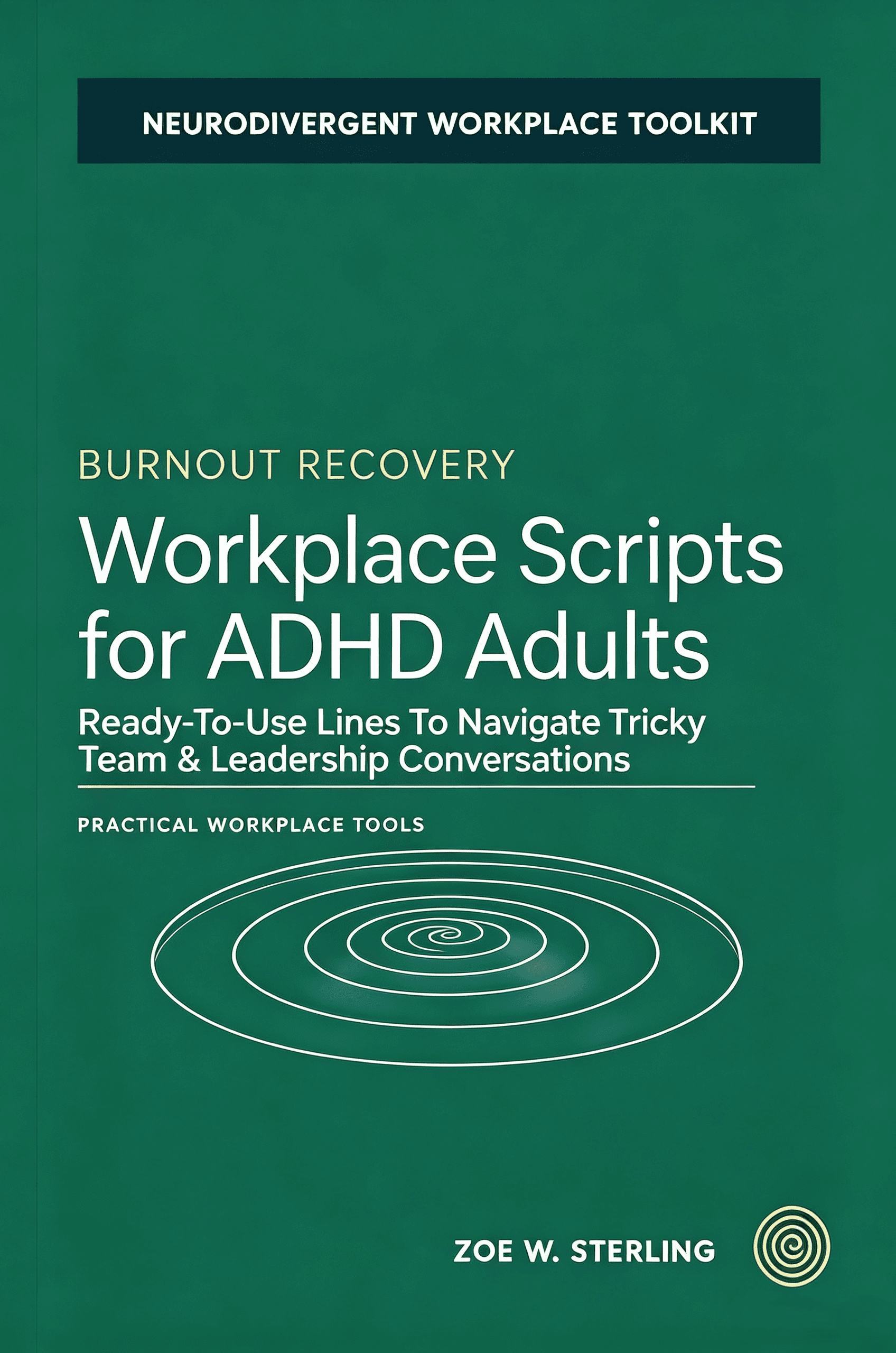
Workplace Scripts for ADHD Adults
A practical collection of workplace scripts for neurodivergent adults. From requesting accommodations to pushing back on unreasonable deadlines, these scripts help ADHD professionals communicate their needs clearly.
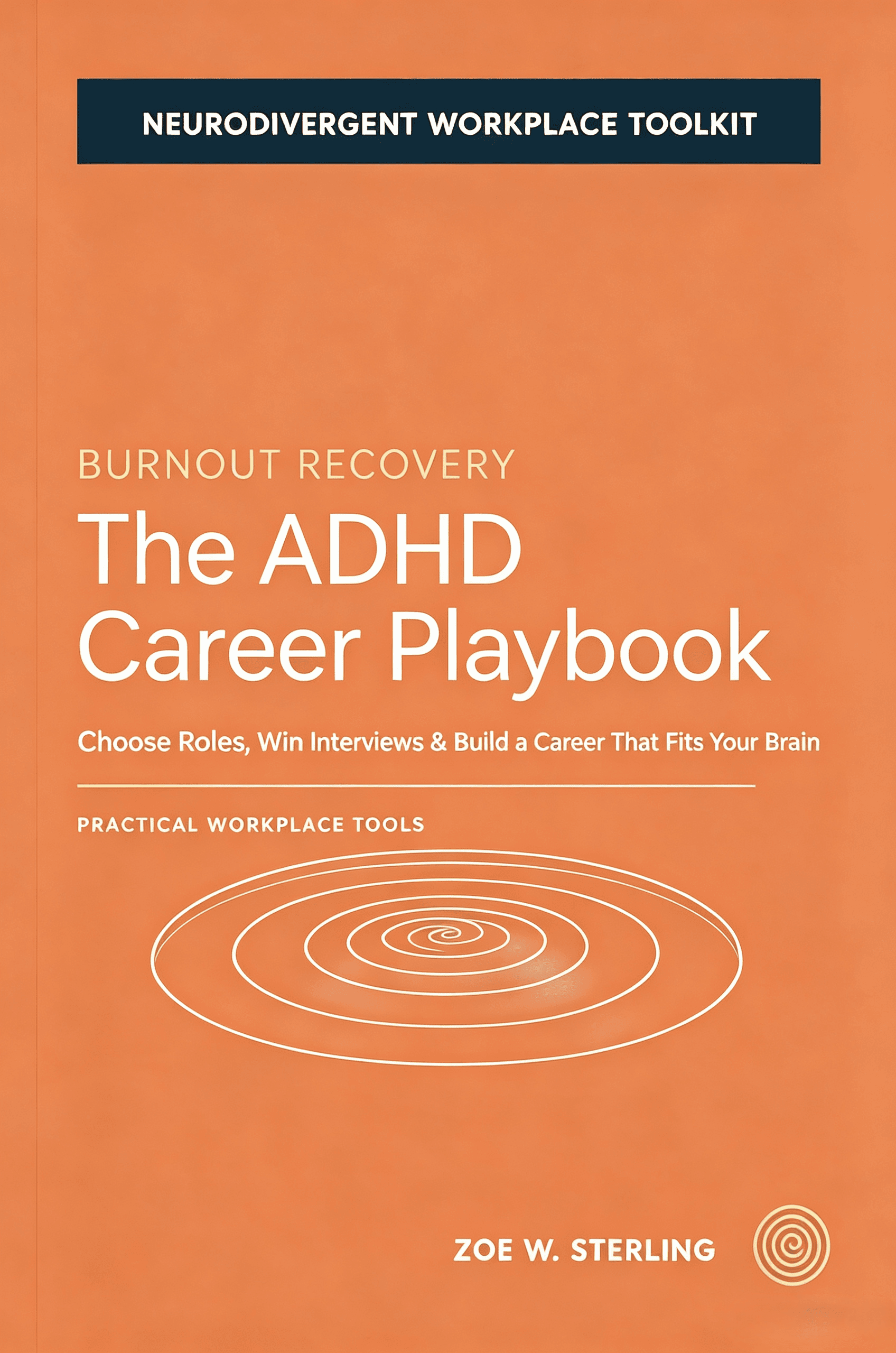
The ADHD Career Playbook
Career advancement is challenging for everyone, but neurodivergent professionals face unique obstacles — from job interview anxiety to promotion bias. This career playbook delivers a strategic guide for finding the right role.
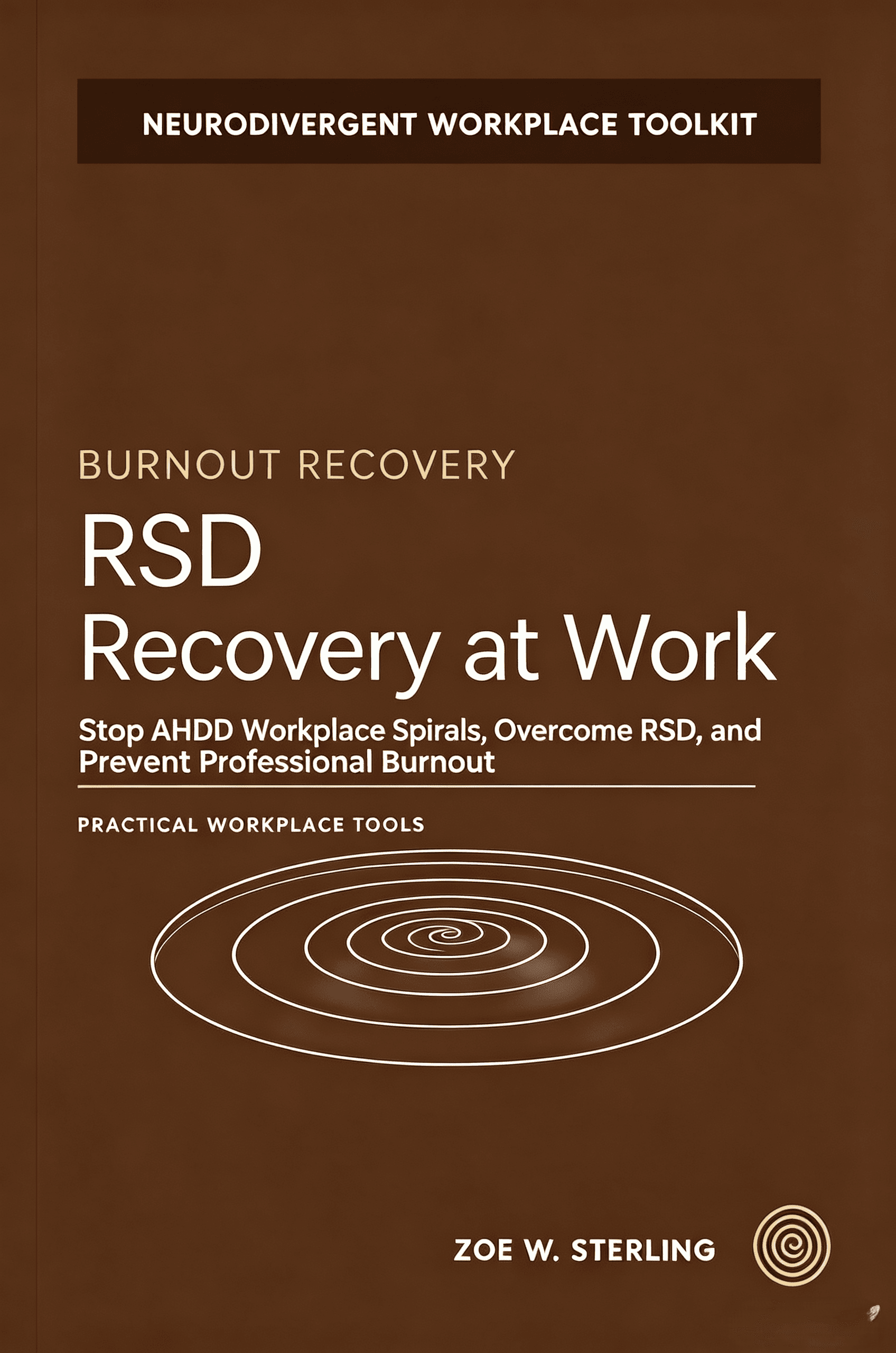
RSD Recovery at Work
A comprehensive field guide for neurodivergent adults navigating the workplace. Based on Zoe Sterling's 10+ years of ADHD workplace research and coaching, this book identifies 8 core strengths and 7 hidden workplace patterns.